Martijn van Welie
Users need to inspect objects that are part of a set
You are designing a or any other site where image collections are browse-able.
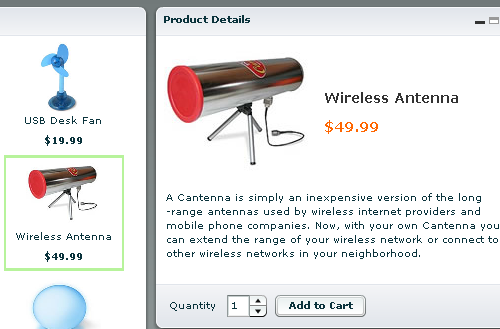
From
www.macromedia.com
Show an overview of all objects and display object details of a selected object on a new page
Show the overview of all objects in the set, or a part of it when the set is too large and a or is used. Each object is selectable by clicking on it's name and/or other identifying label. Make both images of the item and the label clickable if relevant to create a . Selected objects are shown on a new page in their full glory.
When the screen-space permits it, combine both the overview and the detail view on the same page.
People like to work from overviews and the overview is usually the main they are working in. Overviews should contain enough information to select objects for a particular purpose. The detailed view then shows the object with all the details that cannot be shown otherwise, because they are not relevant or because it is too much information to show in the available space. This pattern underlies many other patterns such as the and or
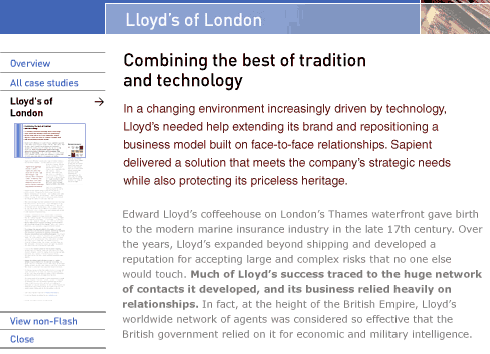
In this innovative example users see a miniaturized version of a document on the left and the text itself on the right.
At Flickr, a typical use of overview by detail is found when browsing images: