Image Menu
Martijn van Welie
Users need so make a selection out of a limited set of items
The space for the menu is limited or when icons can be used effectively.

From
www.apple.com
Allow users to select a menu item by selecting an image and display the label in a fixed location.
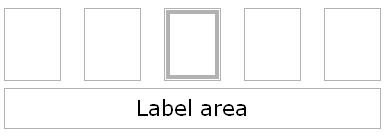
The icons are lined-up or placed into a convenient configuration (e.g. 3 by 3 or next to each other). Users can move the focus or mouse-pointer over these icons. The icon that is selected will be visually shown distinct from the others. while an icon is selected the label is shown in the 'label-area' which is usually above or below the icons.
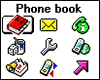
This type of menu emphasizes icons while it is at the same time very compact. Especially in special circumstances with limited screen-space, e.g. mobile phone menus, this can create very effective menus.
The SonyEricsson T68 uses an image menu as the main phone menu. The users can use a mini-joystick to select a menu item. The 3 by 3 arrangement corresponds with the keypad arrangement (the 1-9 keys) which work as shortcuts for the menu items.
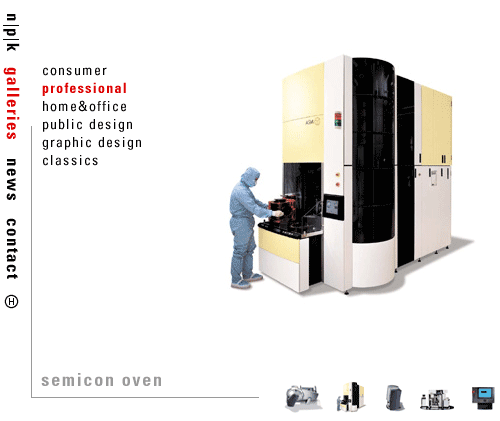
Example of www.NPK.nl
 www.apple.com