Image Browsing
Martijn van Welie
Users need to view and/or select images out of a set of images
Users have to view images as part of some higher level task such as viewing a portfolio, selecting an image to be printed, search for an image to be included in a presentation, viewing photo's of a car and so on. The number of images should not be to large, from 1 to 30 images is ok. Can be part of selecting the appropriate for a set of products.
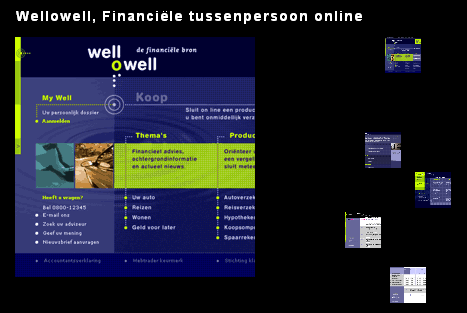
From
www.edendesign.nl
Allow users to select an image out of a set of thumbnail images
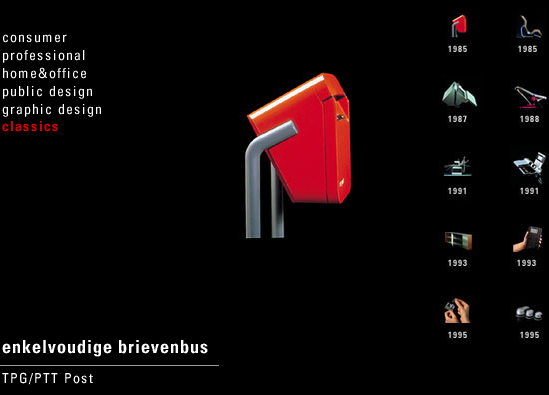
Present a series of thumbnails of the image, possibly combined with a label or using a fixed label location as in an . Users can then select an image that is shown in the main display area if that is feasible or otherwise in a separate window. One technique to make it more "fun" is to animate the image from thumbnail to full size. When the users sees one image, use to allow them to navigate through the collection one by one.
Showing a thumbnail allows people to recognize the image they want visually without creating a bandwidth and screen-space problem. When the thumbnails and the selected image are shown in the same space, users can also switch easily between images.
 NPK
www.well-o-well.nl; www.nkp.nl
NPK
www.well-o-well.nl; www.nkp.nl