Font Enlarger
Martijn van Welie
Users want to view the page in a larger font size
The users are viewing pages with a lot of prose-like content that they must read. For example on a . Especially users with reduced eyesight will often find that the default font size is to small for them to read the text comfortably.
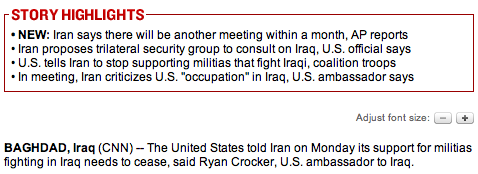
From
www.cnn.com
Allow users to increase/decrease the font size of the text using special controls in the page.
Provide font size controls next to the text. Either show controls for a specific font size or show controls to increase or decrease the font size.
Although many browsers also support the enlargement of fonts via the View menu and keyboard shortcuts, many people don't know how to use the feature. Having a special control on the page, near the text is a more direct way of doing the same thing.
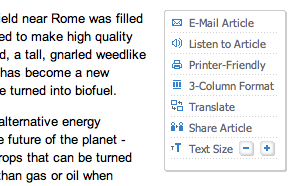
At www.iht.com users can zoom in or out:
http://www.tedco.org/
http://www.harper-adams.ac.uk/accessibility/
http://www.airnorth.com.au
www.dell.com
Font resizing
JS font resizing