Martijn van Welie
Users want to be informed about future or past events
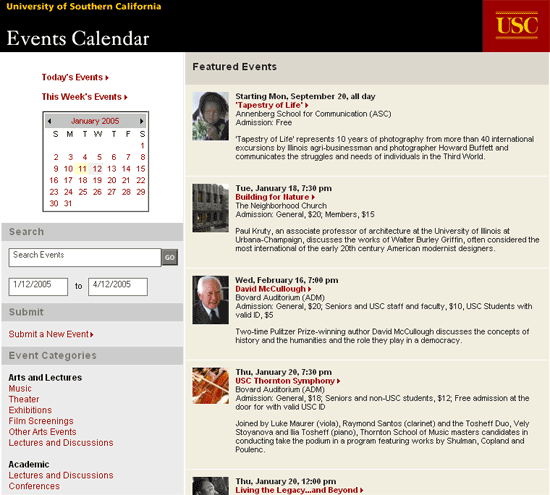
You are designing a site for an institution that organizes many off-line events. Typically these include a , concert halls, educational institutes, governmental institutes etc. The number of events may range from just a view up to many per day.
From
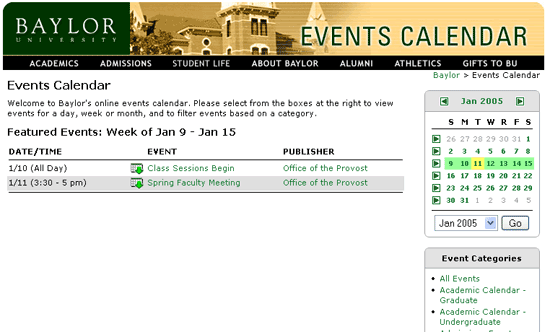
www.baylor.edu
Present a list of events starting from the current date and allow users to select/search for other dates
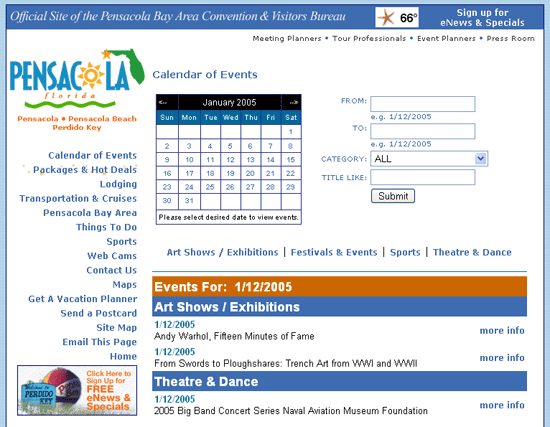
The basic concept for the event calendar is to place a central list of event together with controls for scoping/filtering the list of events.
List of events
The list of events takes the and may be displayed using for increased clarity. Each event is listed with at least a date and basic description. Optionally, an icon or link can be used to add the event to a calendar program such as Outlook (a variation of the pattern). Another optional element may be to include a so that event may be send to other people. In some cases, it may be possible that users can also add items to the calendar themselves: in that case, add an for that functionality.
Scoping
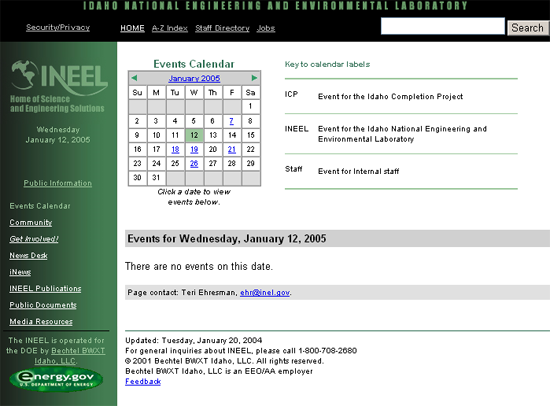
Usually event calendars present the events per month, but views per day are also used when the number of events is very high. Using a users can choose the month and/or date. When the event calendar only has events on some days, it is good to show that fact already in the by coloring the days, making them bold or just making days with events linkable and others not. It is also possible to use other mechanisms for selecting dates or periods, for example using a search field or a timeline. Usually the scoping mechanism is placed above the list of events but depending on layout constraints it may also appear on the left or right of the event listing.
Filtering on categories
When the events are numerous and can be categorized, it makes a lot of sense to allow users to filter directly on the categories. The categories can be presented as tabs, pull-down, or simply a list.
Searching
For agendas with many events it may make sense to search through the how list. Usually, it is a simple version of that has been limited to the period, category and keyword.
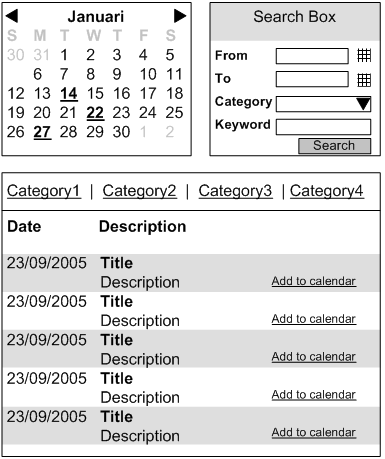
An event calendar is basically a long list of items that must allow filtering. By using the familiar users can easily select the dates they are interested in. The additional filtering on categories provides an alternative way of finding the event that interest the users.