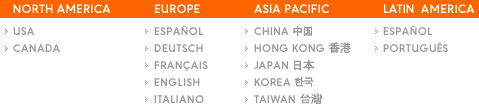
Country Selector
Martijn van Welie
Users need to go from a global site to a country-specific website
Not to be confused with the ...typical for

From
www.sonyericsson.com
Place a language, and region, selector on the home-page.
Use a pulldown if there is not so much space for the language selector. Otherwise list them so that users can select the appropriate country directly. List the countries alphabetically.
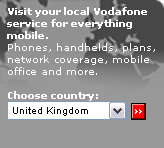
Sometimes the international site functions as a proxy to the country sites. If that is the only purpose a link listing is the clearest solution that provides one click access. If the international site contains other information such as corporate information, the language selector can become just a boxed pulldown that is one of the page elements.
This example is taken from www.vodafone.com where the corporate site functions as a proxy to the country sites:
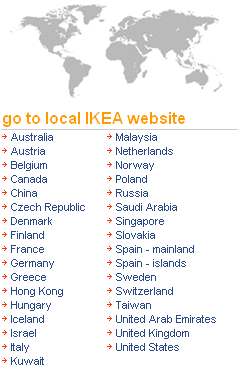
At the site of Ikea all countries are simply listed so that users can immediately select the approriate country:
Nike: